
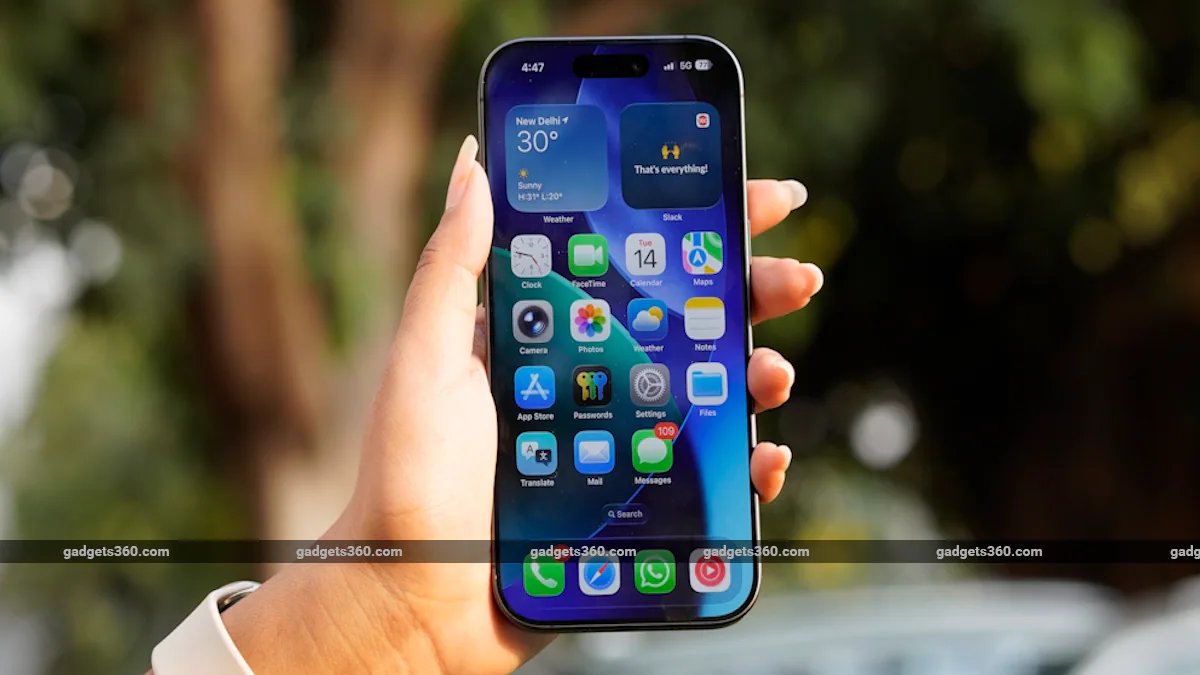
Apple has unveiled iOS 27 at the WWDC 2026 event. The new update brings many big changes for iPhone users, including the new Liquid Glass design, Apple Intelligence features and an upgraded version of Siri. The company has released the developer beta, while the public beta is expected in July. Whereas the stable version of iOS 27 can be rolled out with the iPhone 18 series in September.
Siri gets a big AI upgrade
Most of the discussion in iOS 27 is about Siri. Apple has worked on making its virtual assistant smarter. The new Siri can interact with users more naturally and understand context better than before.
The company says that Siri will now be able to understand the information shown on the screen and camera. Additionally, Siri interactions will now appear in Dynamic Island. Users will also be able to customize Siri’s voice as per their choice.
New changes in Liquid Glass design
Apple has further improved its Liquid Glass design in iOS 27. Now users can control the transparency of interface elements. That means, the opacity of many visual elements visible on the screen can be adjusted as per your choice.
AI features in Safari and Passwords app also
The scope of Apple Intelligence has now been extended to more apps. Safari will have an AI based tab organization feature, which will help in managing browser tabs in a better way. Along with this, Notify Me feature has also been added.
The Passwords app will also provide the facility to auto update passwords for supported accounts. Apart from this, new shortcuts can now be created using natural language in the Shortcuts app.
Which iPhone models will get iOS 27 update?
Apple has confirmed that iPhone 11 and many models launched after that will get iOS 27. The list of supported devices is as follows:
- iPhone 11
- iPhone 11 Pro
- iPhone 11 Pro Max
- iPhone 12
- iPhone 12 mini
- iPhone 12 Pro
- iPhone 12 Pro Max
- iPhone 13
- iPhone 13 mini
- iPhone 13 Pro
- iPhone 13 Pro Max
- iPhone 14
- iPhone 14 Plus
- iPhone 14 Pro
- iPhone 14 Pro Max
- iPhone SE (2nd Gen)
- iPhone SE (3rd Gen)
- iPhone 15
- iPhone 15 Plus
- iPhone 15 Pro
- iPhone 15 Pro Max
- iPhone 16
- iPhone 16
- iPhone 16 Plus
- iPhone 16 Pro
- iPhone 16 Pro Max
- iPhone 17
- iPhone 17
- iPhone Air
- iPhone 17 Pro
- iPhone 17 Pro Max
Not all AI features will be found in every iPhone
Although the iOS 27 update will reach many older iPhone models, Apple has made it clear that not all AI features will be available on every device. According to the company, some advanced Apple Intelligence features will be limited only to new iPhone models because older hardware cannot meet their needs. Apple’s most powerful on-device AI model will reportedly be available only in the iPhone 17 Pro and iPhone Air models.
How to Install iOS 27 Developer Beta Now
Users who want to try iOS 27 early can install the Developer Beta.
- Download the Apple Developer app from the App Store.
- Sign in with your Apple ID.
- Register in the Apple Developer Program.
- Go to Settings > General > Software Update.
- Open Beta Updates option.
- Select and install iOS 27 Developer Beta.
If the update doesn’t appear, you can turn on Developer Mode by going to Settings > Privacy & Security. The company recommends that you back up your device before installing the developer beta, as early builds may contain bugs and performance issues.